Control Center
The Control Center on iOS is a quick-access interface that allows users to toggle settings such as Wi-Fi, Bluetooth, and Airplane Mode, and access utilities like flashlight, calculator, and camera. It’s customisable, providing convenient control over frequently used functions and system settings without having to navigate through the full Settings menu.
9 QuickTips16 min of video
Newest for iPhone
 1:53
1:53How to Record Your iPhone Screen
March 2026
 2:14
2:14Start Focus or Sleep Playlists from Control Centre
May 2025
 1:39
1:39Three Tips to Quickly Move Between Pages in Control Center
September 2024
 1:44
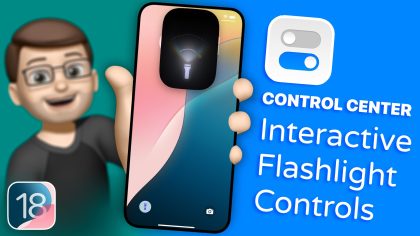
1:44Make the Most of Your iPhone’s Flashlight
September 2024
 2:17
2:17Add and Organise Multiple Pages in Control Center
September 2024
 1:29
1:29Run Your Favourite Shortcuts from Control Center
September 2024
Every iPhone Tip
 1:53
1:53 1:39
1:39 1:44
1:44 2:17
2:17 1:29
1:29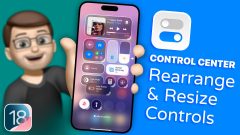 1:39
1:39 1:50
1:50Every iPad Tip
 2:14
2:14 1:06
1:06